Appointment Help
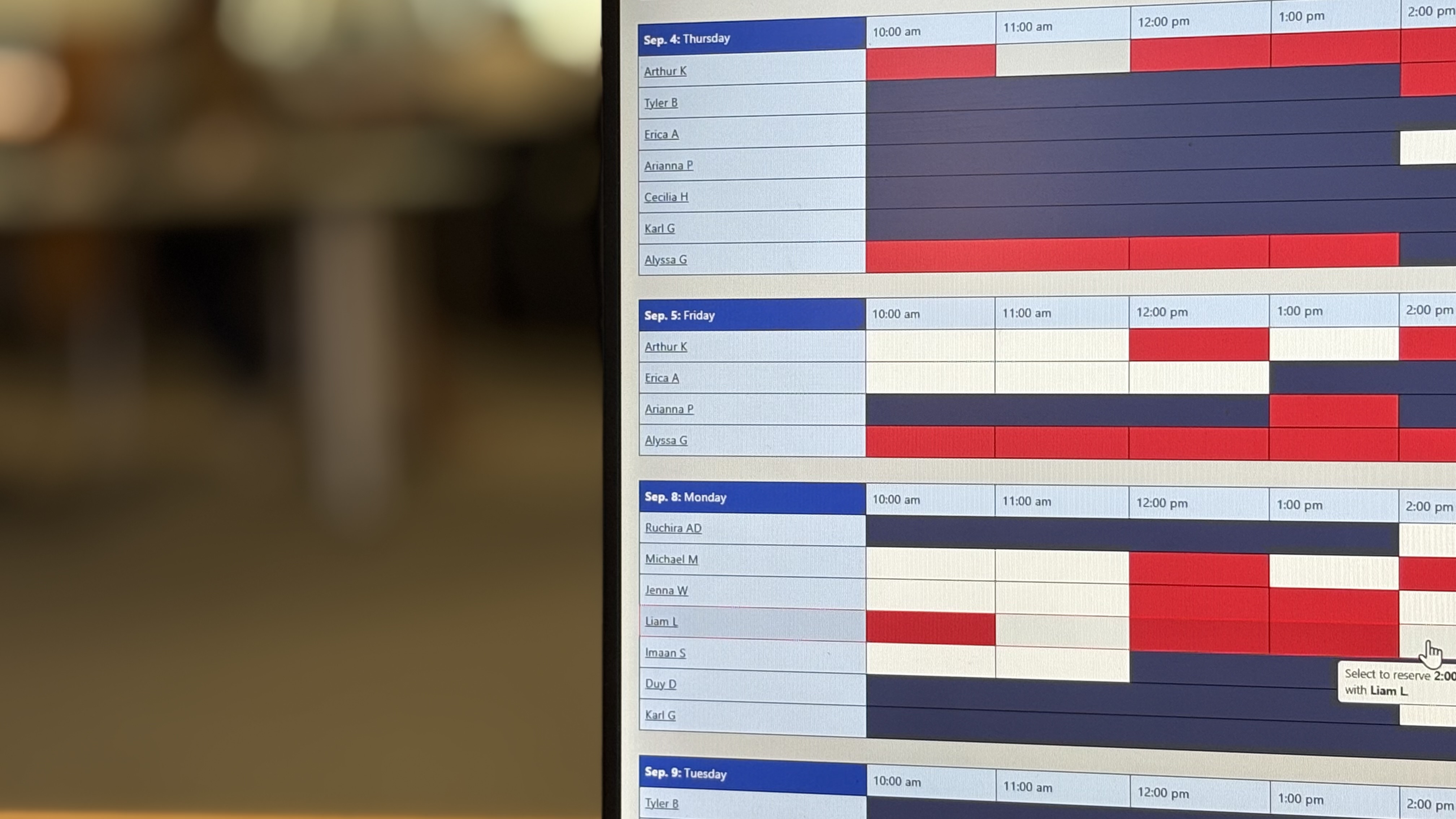
The Writing Center uses the WCOnline booking system, allowing students to schedule tutoring appointments at any time.
If you would like to speak to a member of the team for assistance, contact us.
Create and Activate Your Account
- Go to Register for an Account
- Complete the registration form. You are required to register using your SJSU email; however, you can create your own password.
- Activate your account using the confirmation email. Check your SJSU email (including spam/junk folders) for the activation email.
- Sign in and schedule your appointment in WCOnline.
Schedule a Tutoring Appointment
- Go to https://sjsu.mywconline.com/.
- Log in using your SJSU email address and the password you created.
- Select In-Person Tutoring or Online Tutoring from the schedule menu.
- Choose an available appointment. Available appointment times appear as open (white) slots.
- Select the appointment time you want to reserve.
- Complete all required fields in the appointment form. Required fields are marked with a red asterisk (*).
- Select "Create Appointment" to confirm your booking.
After your appointment is scheduled:
- Your appointment will appear on your schedule in WCOnline.
- You will receive a confirmation email and reminder messages to your SJSU email.
Join Your Tutoring Appointment
In-Person Appointments
In-person appointments take place on the 2nd floor of the Martin Luther King Jr. Library. If you need help finding us, watch our campus location video.
Online Appointments
Online appointments are held in Zoom.
To join your appointment:
- Log in your WCOnline account
- Open your scheduled appointment.
- Select the Zoom link in your appointment form to join the meeting.